Everything a sermon needs
Ten things Afterword makes or does every week, from the sermon doc before the weekend and the link after the service. Every example below is a real output.
Weekly docs
Drop in the sermon doc: points, transcript or both, as a Google Doc link, an upload or pasted in. Everything that can be made before Sunday is made before Sunday.
- The YouTube title, description and keywords, written from the doc
- Screen slides and lower thirds, the three carousels with captions, and the thumbnail template
- All of it in your church's design style
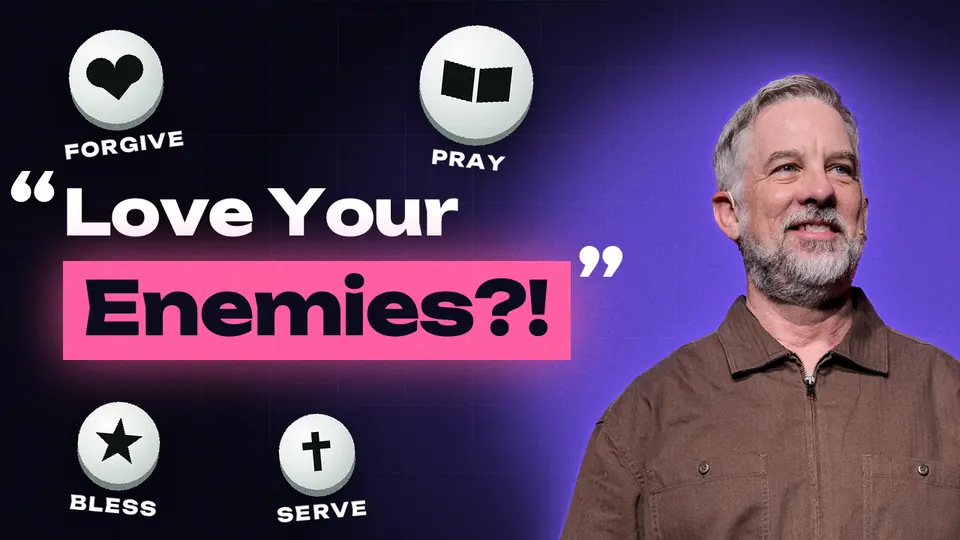
Screen slides and lower thirds
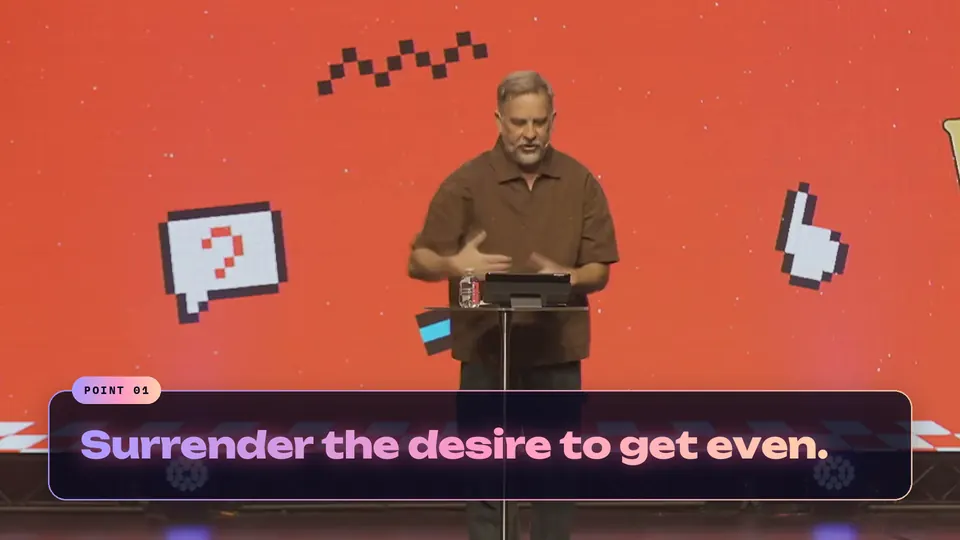
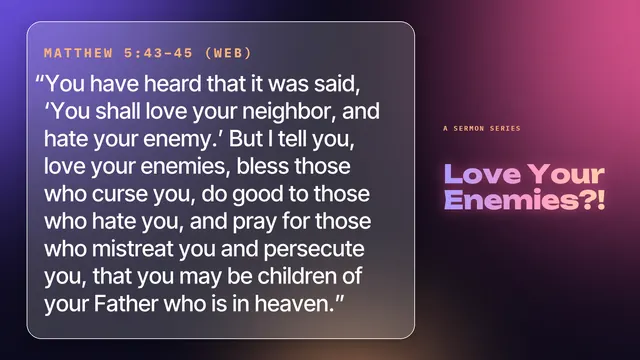
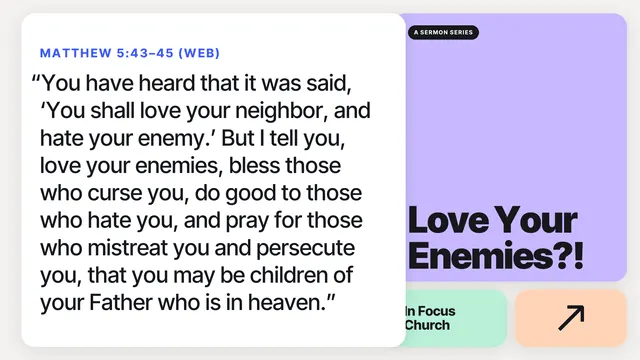
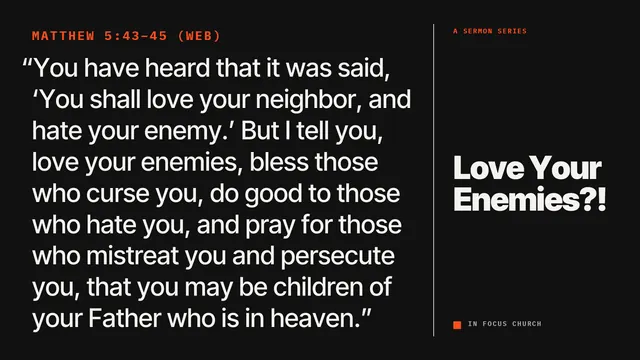
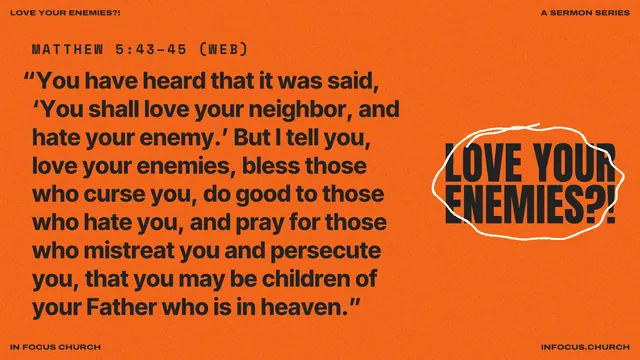
Every point and every scripture as a screen slide at your screen's ratio (16:9 by default, or whatever your room uses), plus lower thirds to run over the stream.
- Any screen ratio, set once
- Lower thirds sized for the live stream
- That week at In Focus Church: 74 slides and lower thirds
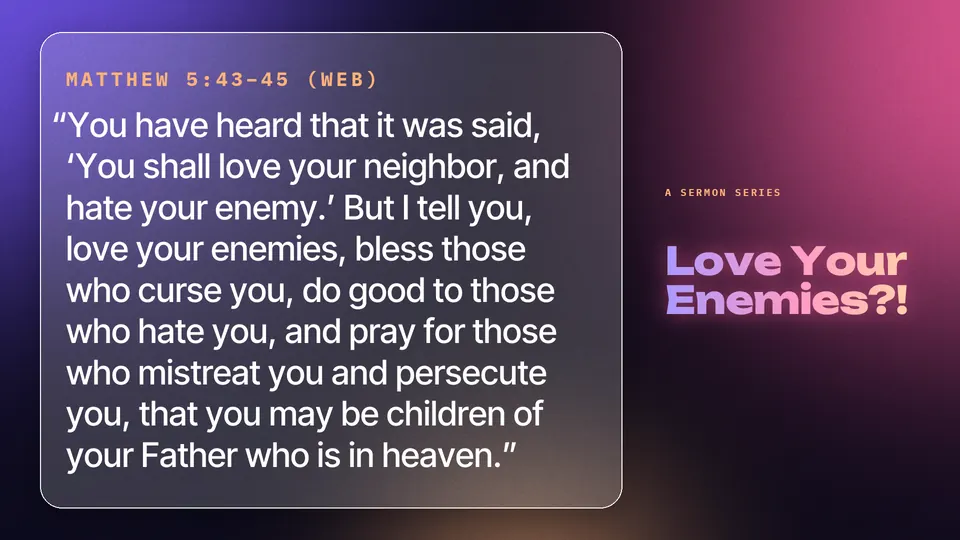
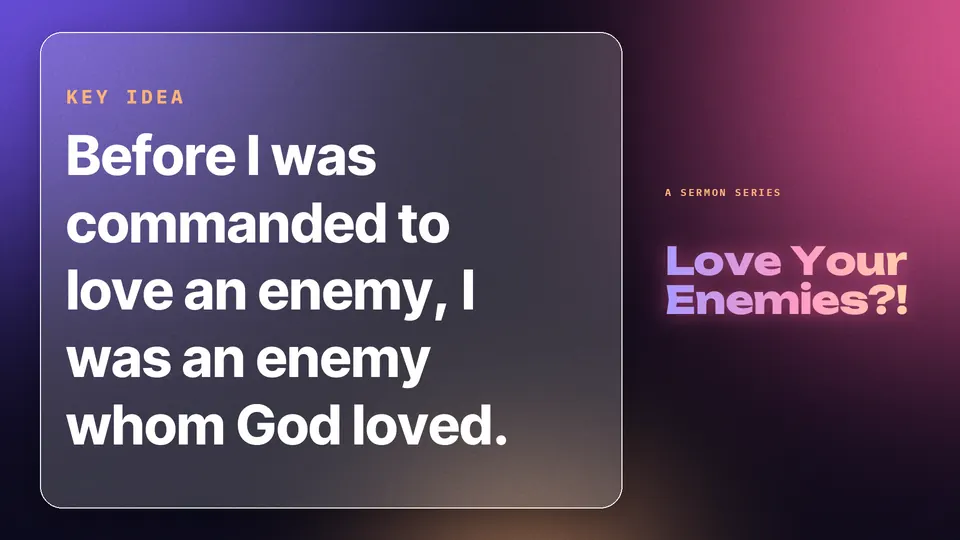
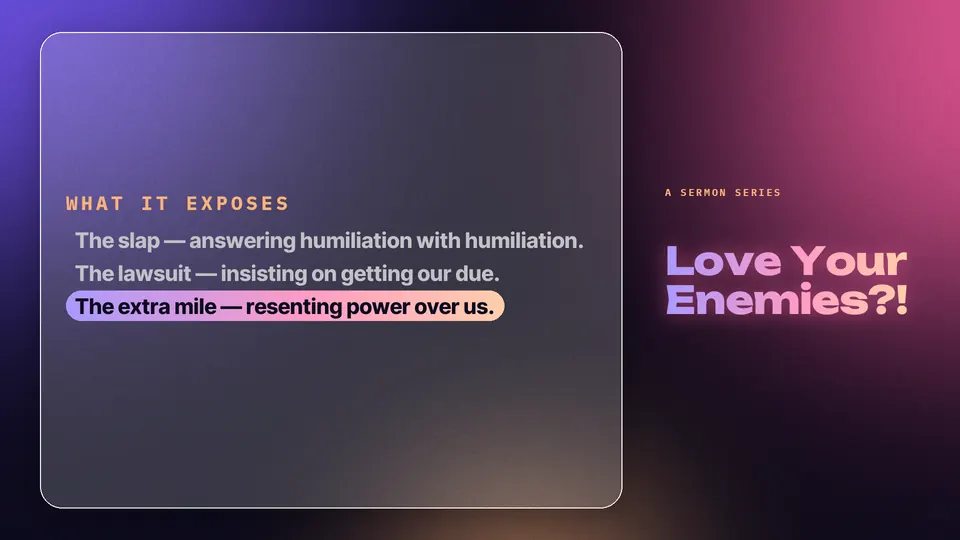
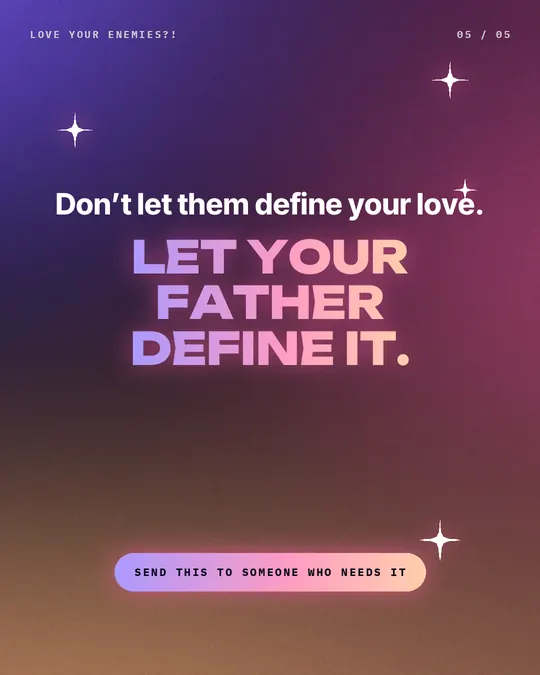
Three carousels, captions written
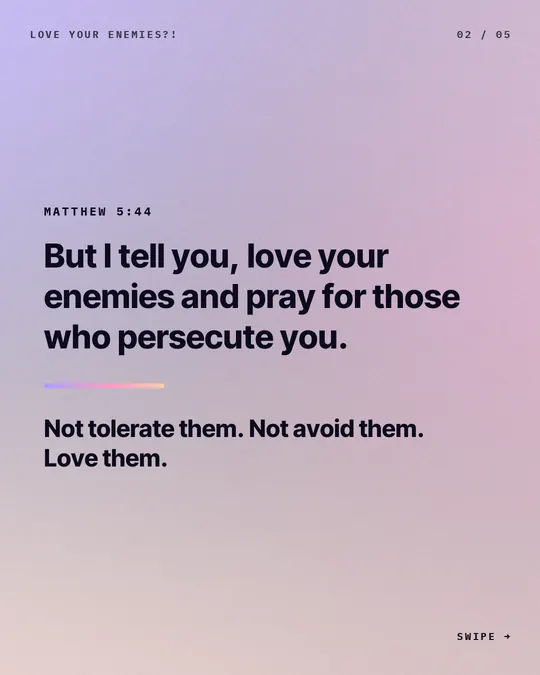
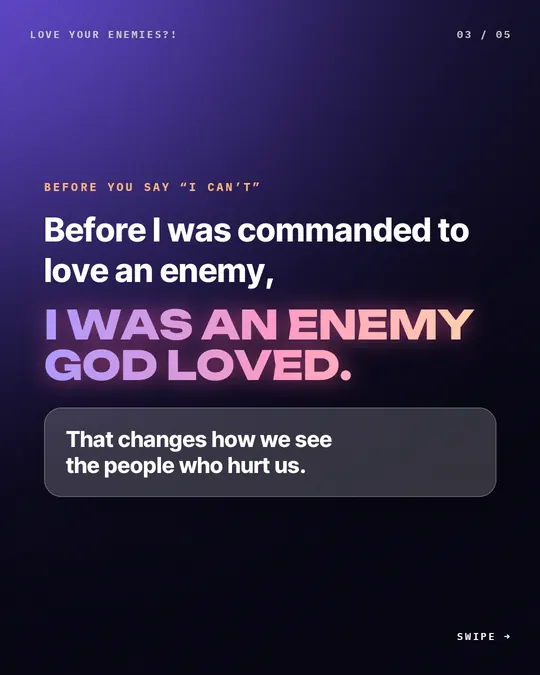
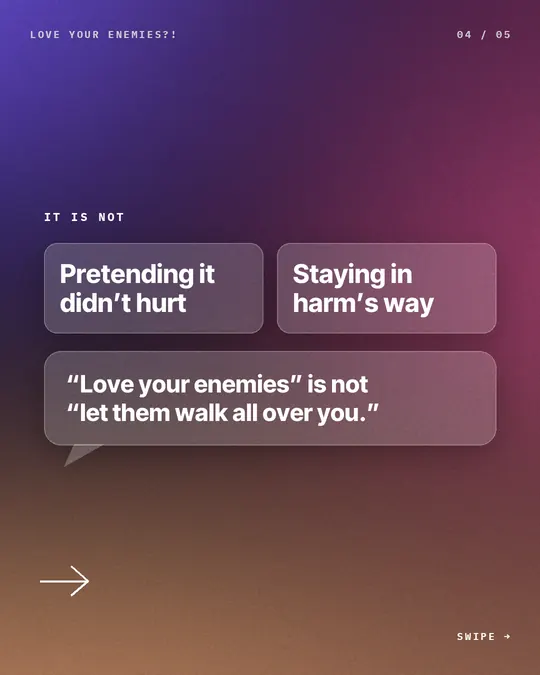
Three Instagram carousels from the message, each with its caption, ready before the weekend. They also work as Facebook multi-photo posts.

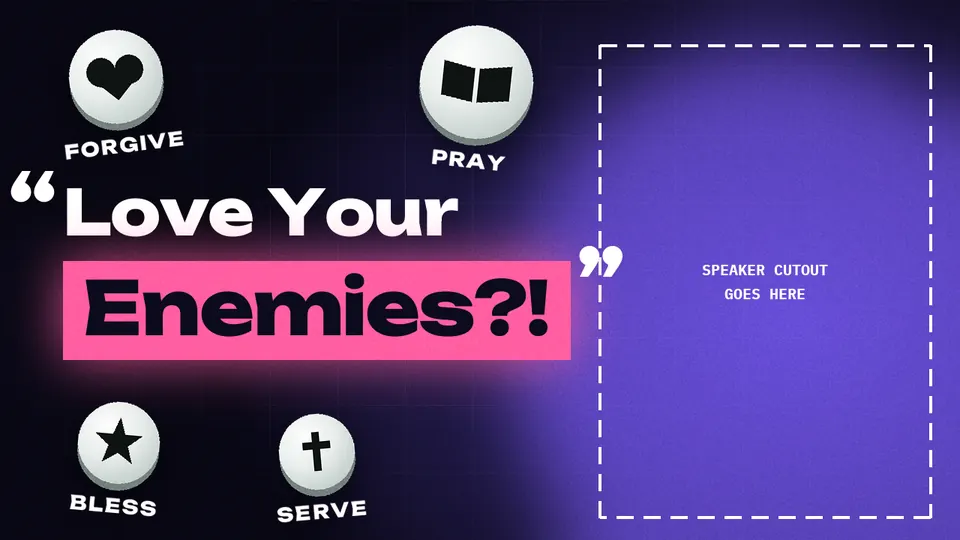
The thumbnail
The thumbnail template is made from the sermon doc, in your look. All it needs on Sunday is the pastor's photo: Afterword cuts the pastor out and places them beside the title.
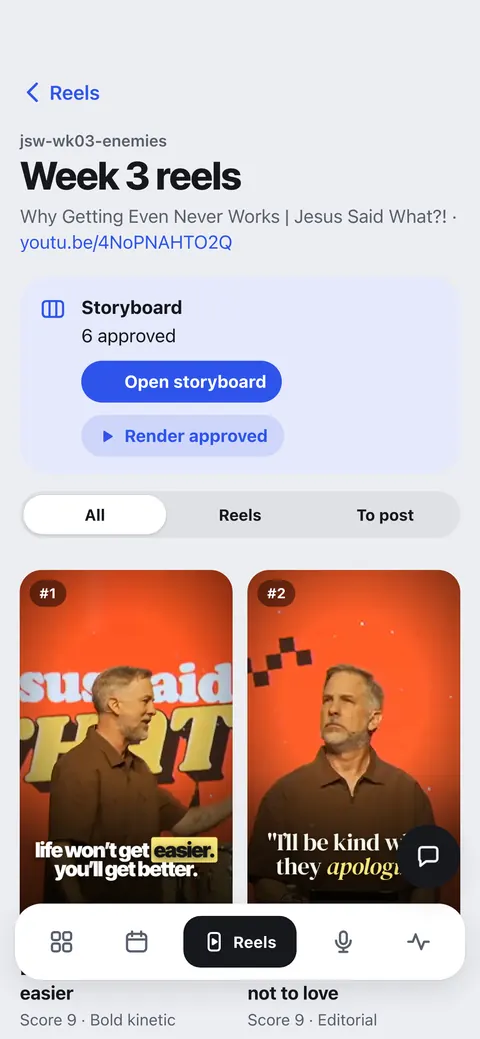
Reels, with a storyboard first
Paste the YouTube link (or upload the video) and Afterword finds the message's strongest moments. Each reel waits on the storyboard: swap a moment or fix a caption, and nothing renders until you say so.
- Vertical 9:16 reels with captions exactly as said, and a cover for each
- The stream's burned-in lower thirds avoided or covered
- Instagram trial reels: versions shown to people who don't follow you yet, kept off the main reel's day
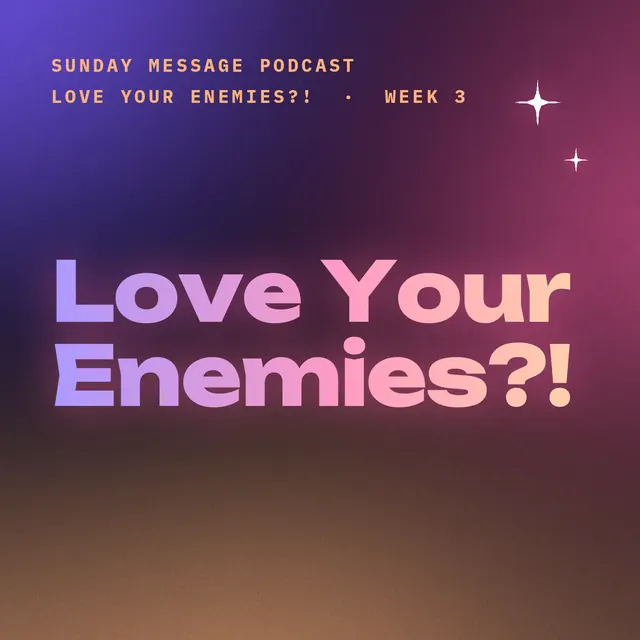
The podcast episode
The same link becomes the week's episode: trimmed to the sermon, dead air shortened, cleaned and levelled to podcast loudness, with chapters, cover art and show notes. It publishes to your podcast host, or you download the episode kit.
- MP3 and WAV, with chapters
- Music beds and voiced pieces
- Buzzsprout, Transistor, Captivate, Podbean, Spreaker, RSS.com, Castos and Libsyn
44 min · chapters · show notes
- Our retaliation and vengeance problem
- Reading Matthew 5, verses 38 to 48
- Look at the Father first
- 1. Surrender the desire to get even
- What loving an enemy does NOT mean
- 2. Seek the good of the person who hurt you
- 3. Let your Father's love become the pattern
- This week: three steps to take
Post everywhere, in one click
Reels and carousels go to Instagram, Facebook, TikTok and YouTube, and the episode to your podcast host, each scheduled at a good time through the week. Or download everything: each reel with its cover, a caption per network and a calendar reminder.
- Nothing public goes out without your yes
- Connect your accounts once
- Download only, any time you'd rather post by hand
Google Business and Google Ads
Each week's message becomes a Google Business Profile post and a fresh search ad in the ad group you set up. Your budget and targeting are never touched.
Jesus said love your enemies. This message wrestles honestly with what that really means.
Design styles
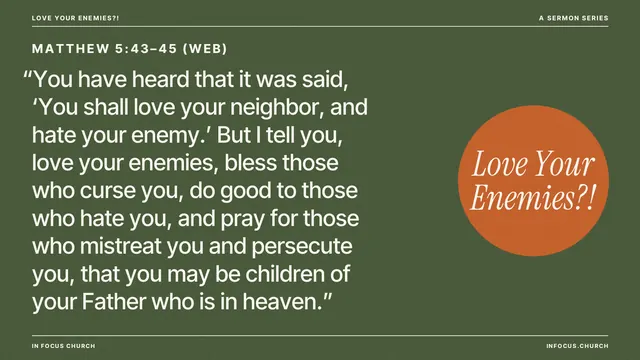
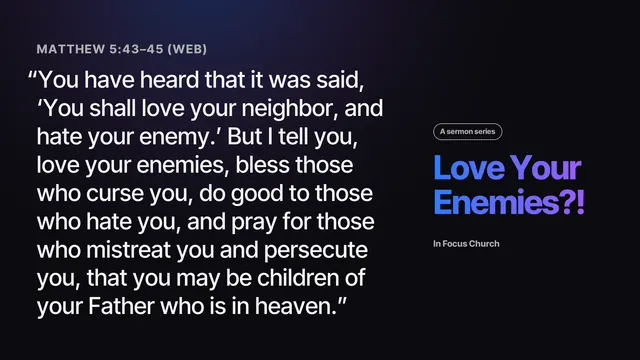
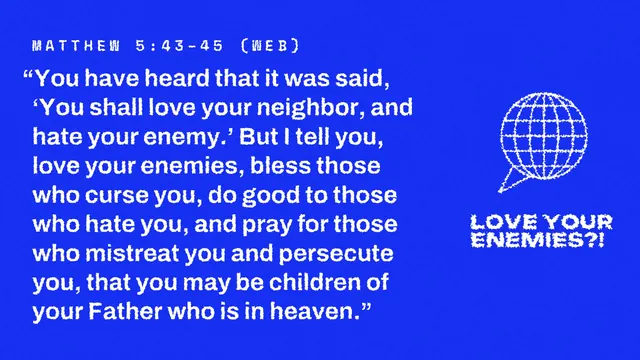
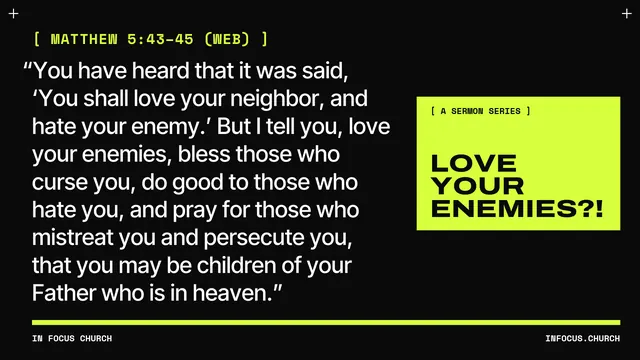
Pick one of nine designed looks, customize it and add your logo. Upload your own backgrounds and fonts, or use Match my style to match the look your church already has.
- Every slide, carousel, thumbnail and cover in the same look
- Set once, used every week

The AI companion
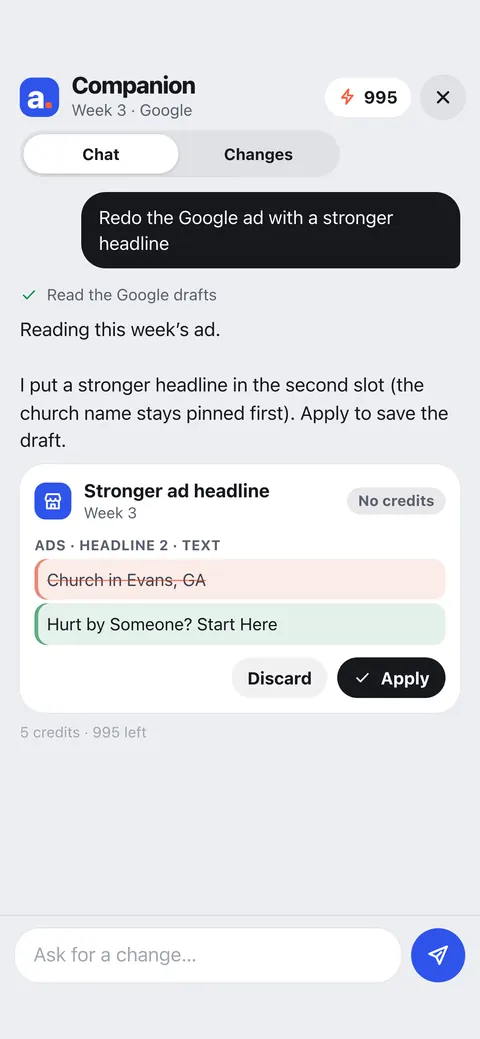
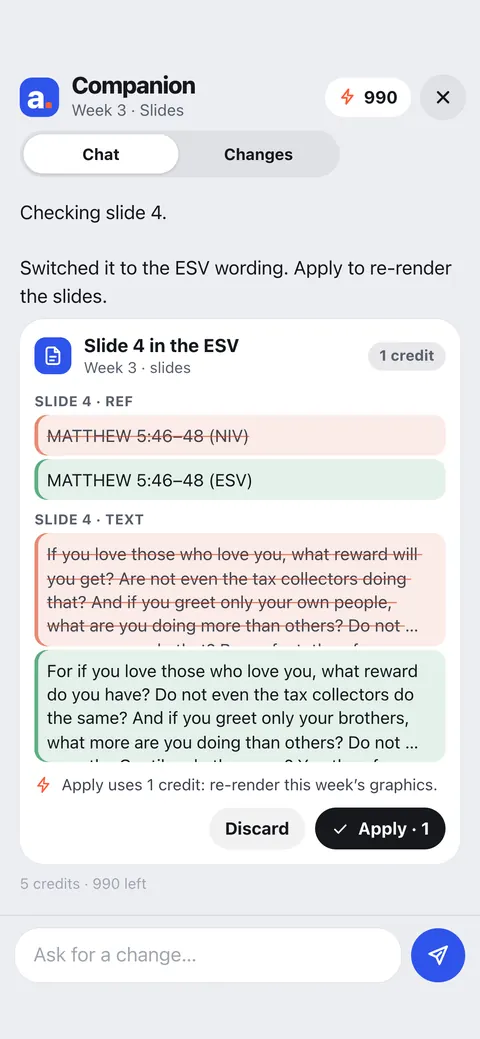
Ask for a change in plain words: "Redo the Google ad with a stronger headline." "Switch slide 4 to the ESV." The companion shows the before and after on a card. You tap Apply, and Undo is there if you change your mind.
- Every change shown before it's made
- Anything public waits for your yes
Which plan has what?
Every plan makes everything from the sermon doc and the link. Plans differ on posting, premium AI, design upload, seats and how many sermons and reels a month.
You preach once.
We handle the afterword
Bring this week's sermon doc. Paste the link after the service. See everything it makes before you pay a thing.
Get founders pricing7-day free trial · card required · cancel anytime before it ends